
Adnia Excel Timesheet Template 2.0
5 products sold in last 8 hours
Selling fast! Over 3 people have in their cart
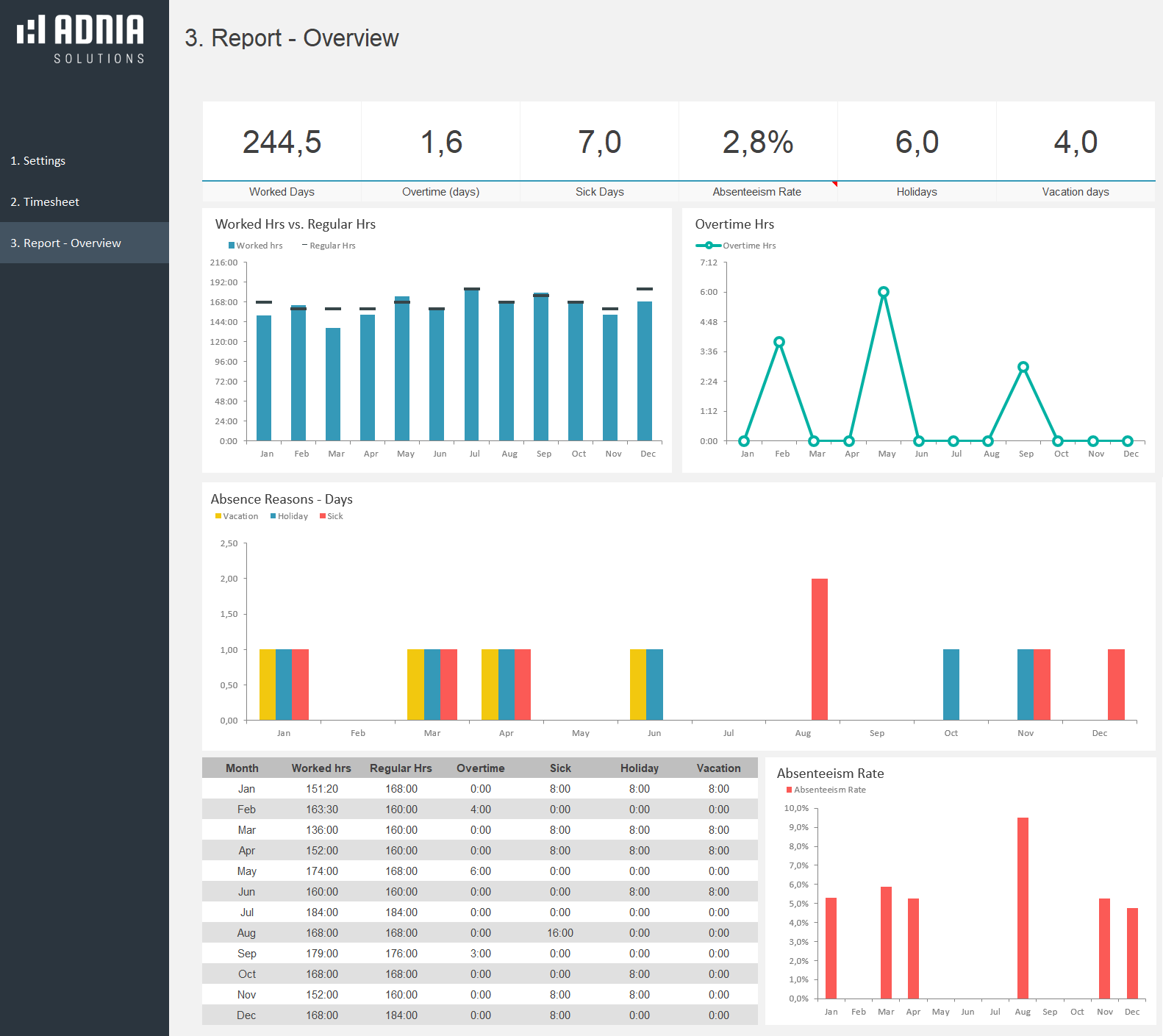
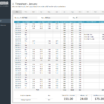
Excel Timesheet Template is a simple and effective time tracking spreadsheet. Easily track regular and overtime hours for yourself or your employees. This spreadsheet will save you time by automatically calculating hours worked. It can even track rates and reasons for absences and makes graphs that you can quickly interpret.
Key Features
- Fully unlocked template
- Measure hours worked with this monthly timesheet
- Record regular and overtime hours (weekdays, weekends and holidays)
- Calculate hours worked
- Track overtime and absence hours
- Manage paid and unpaid leave
- A filled month sheet is included as an example
[wpdm_package template=”adnia_demo_button” id=’774106′]
23 people are viewing this right now
- Estimated Delivery : Up to 4 business days
- Free Shipping & Returns : On all orders over $200
Why make recording labor hours more difficult than it has to be? Timesheet Management Template will help to reduce the time you have to spend recording and analyzing employee time- or your own.
How It Works
What is included?
- One template with sample data
- One template ready to receive your data
Highlights
- Convenient [h]:mm format for recording hours.
- Setup Page
- 12 sheets for monthly control (one sheet for each month)
- 1 amazing report/dashboard (overview)
Getting Started
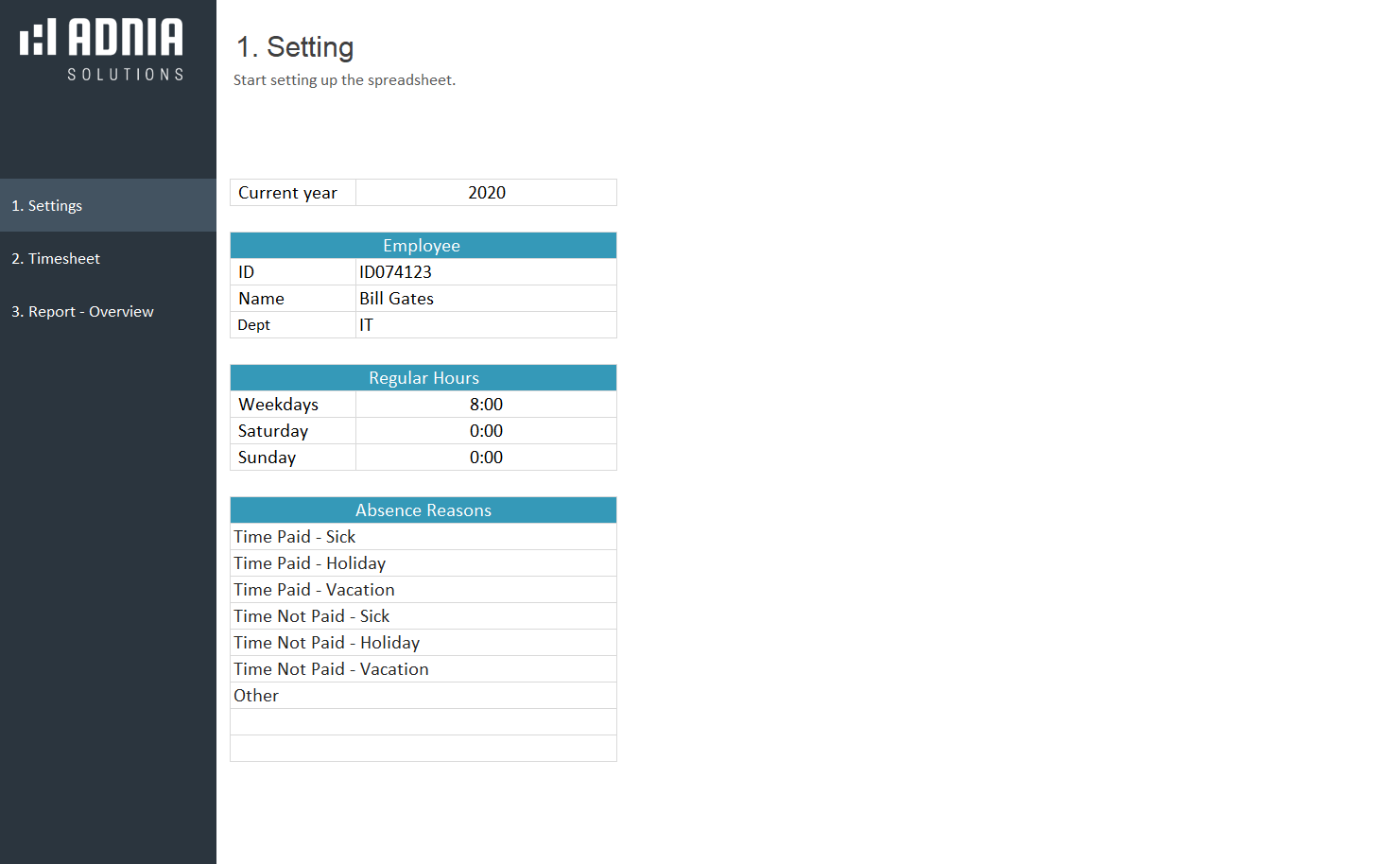
- Set up the spreadsheet. Choose the current year; enter employee information (id, name and department) and regular hours.
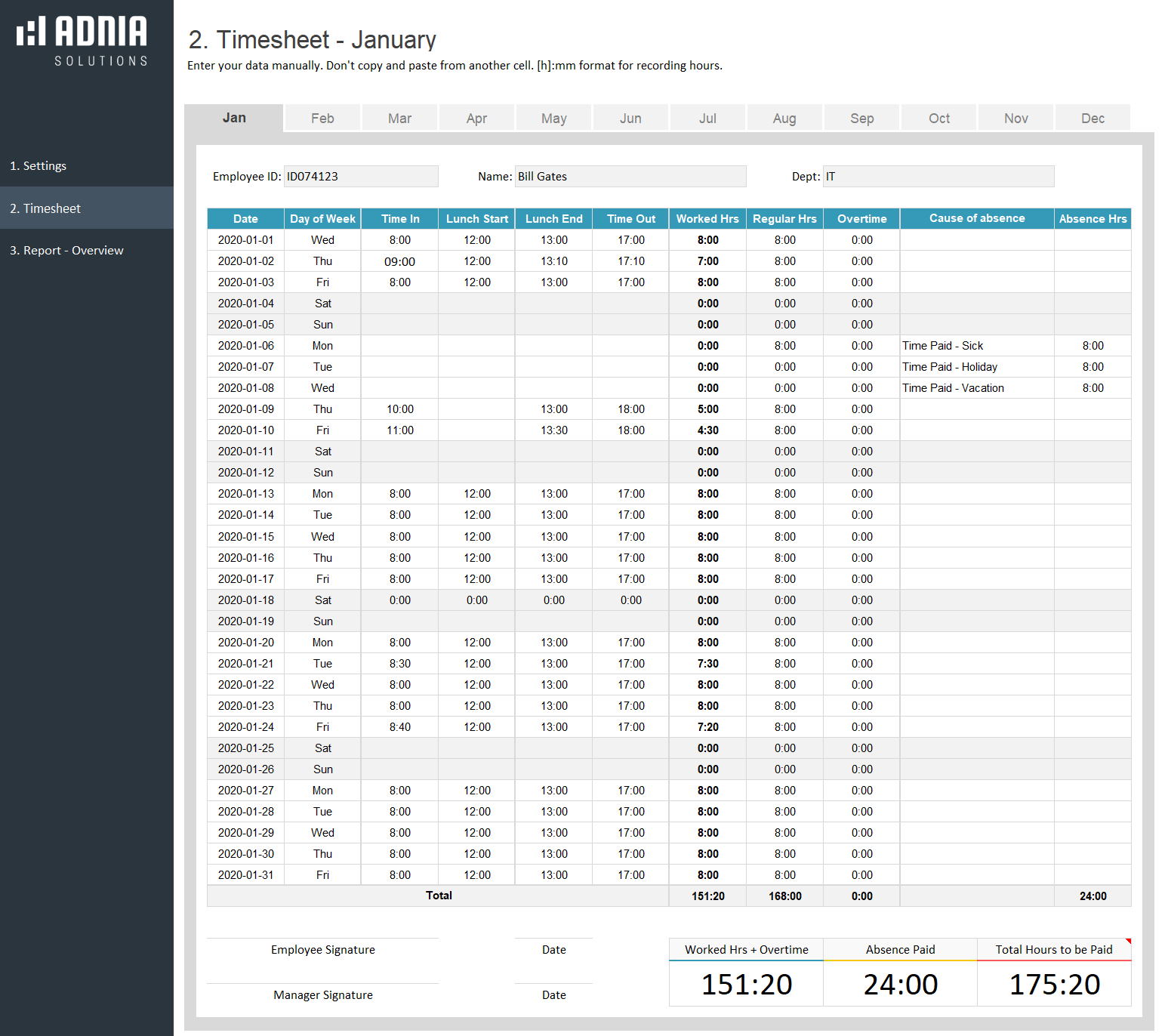
- For each workday, enter the In and Out time. Worked hours and overtime are calculated automatically. If you did not work, leave the field empty.
- Depending on employment contracts, some absences, such as holidays and vacations are not paid by the company. In the field “Cause of Absence,” chose the reason and if the time is paid or unpaid for your company.
Hint: Enter your data manually, instead of copying and pasting from another cell.
Other Information
Built for Excel 2007 or later
Licensed for Private Use Only (not for distribution or resale)
The template may NOT be sold, distributed, published to an online gallery, hosted on a website, or placed on any server in a way that makes it available to the general public.
Contact
Be the first to review “Adnia Excel Timesheet Template 2.0”
Related products
-
HSE Incident Trend Analysis
Original price was: $45.$35Current price is: $35. -


-
Issue Tracking Excel Template
Original price was: $60.$39Current price is: $39. -
HR Recruitment Dashboard Template
Original price was: $45.$39.60Current price is: $39.60. -
Recruitment Pipeline Template
Original price was: $45.$35Current price is: $35.



Reviews
There are no reviews yet.